AI Video Generator

Seedance 2.5 AI Video Generator

Create videos up to 30 seconds long with text, image, video, and audio references. Add up to 50 reference assets, write prompts in more than 10 languages, and make targeted edits without rebuilding the entire video.

30ssingle-generation video
50reference assets
10+prompt languages
0/30
0/10 | 0.0s/30s
0/10 | 0.0s/30s
Resolution
Duration
5s
Ratio
Save Final Frame

Output Preview

Your generated video will appear here
Video Examples

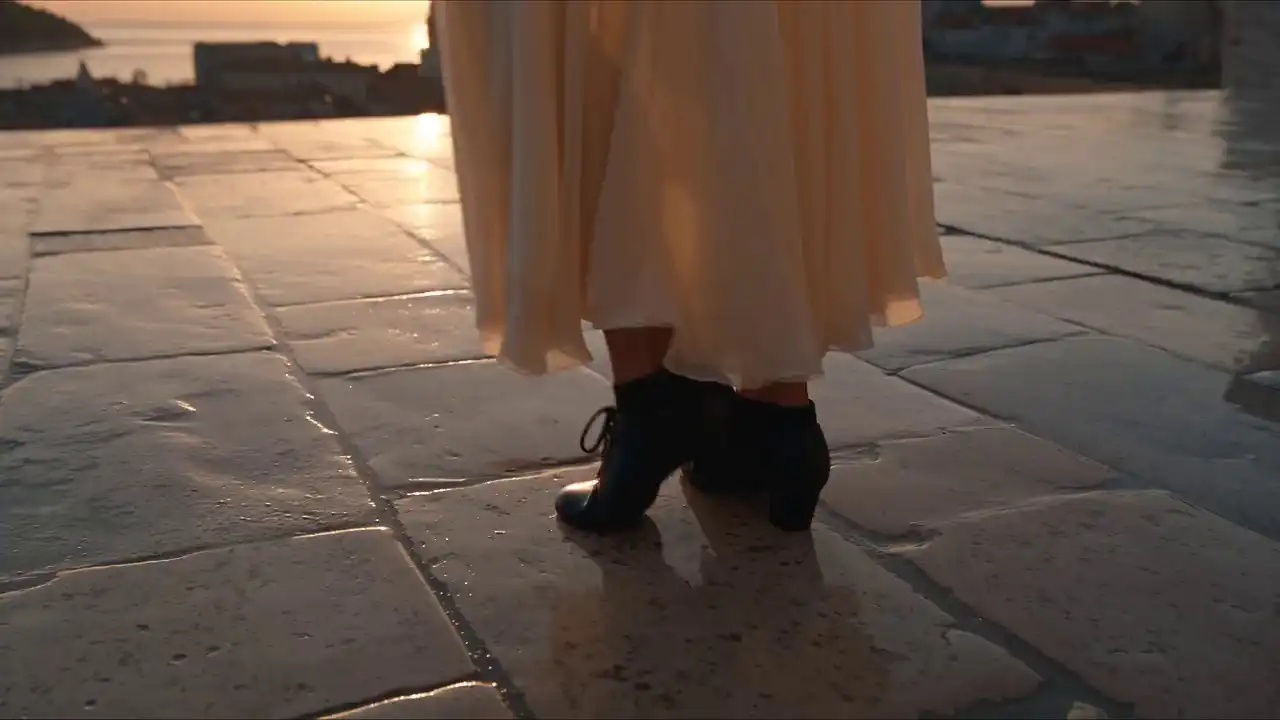
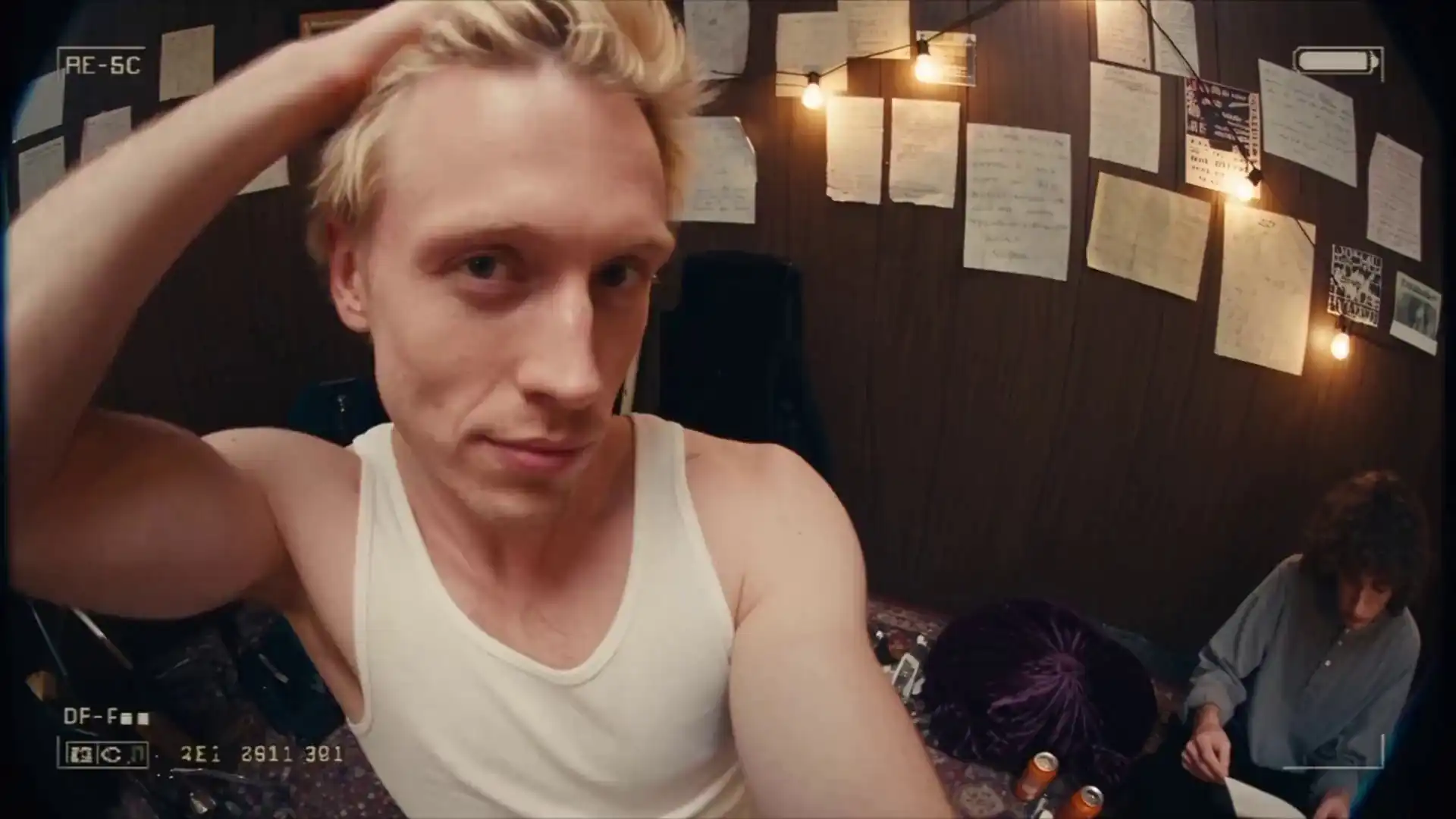
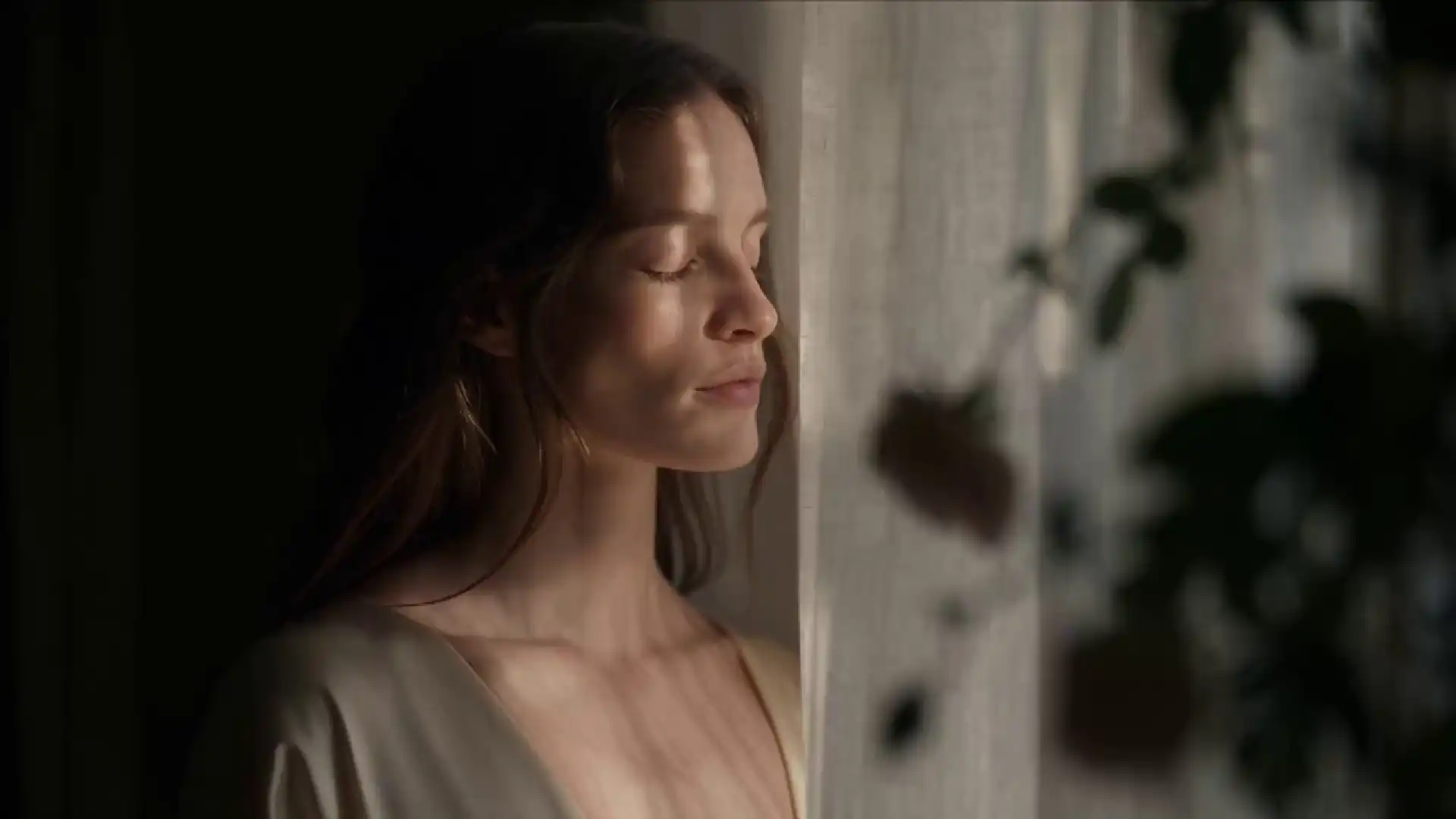
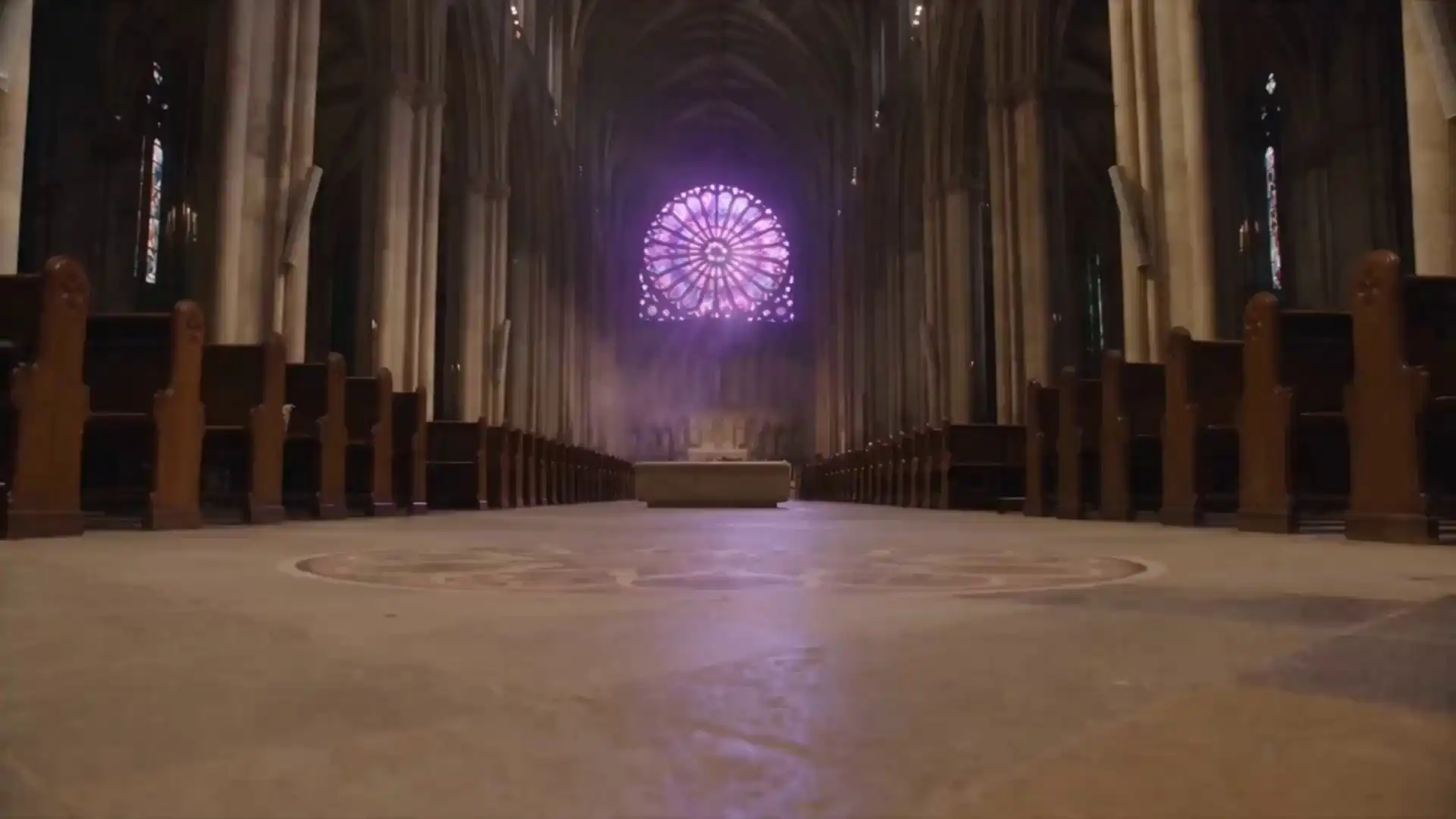
Seedance 2.5 Video Examples

Browse example prompts and video outputs to see how image, video, and audio references can guide scenes, motion, pacing, and visual direction.

About the model

What Is Seedance 2.5?

Seedance 2.5 is a professional multimodal video creation model developed by ByteDance's Doubao team. It expands single-generation video length from 15 to 30 seconds and accepts up to 50 image, video, and audio references in one project.

The model also supports targeted video editing, temporal extension, audio-only references, and native prompting in more than 10 languages. These updates give creators more control over longer and more complex video workflows.

30 secondsMaximum single-generation duration
30 + 10 + 10Images, videos, and audio references
10+ languagesNative multilingual prompting
30-second scene preview
@Image1@Video1@Audio1
Four Major Upgrades

What’s New in Seedance 2.5

Create longer videos, work with more references, revise selected details, and describe your ideas in your preferred language.

01
30s

Generate Videos Up to 30 Seconds

Create a single video up to 30 seconds long. Longer output gives you more room for actions, emotional changes, and complete story beats while reducing manual clip assembly.

  • Longer continuous scenes
  • More complete narrative beats
  • Less manual clip assembly
02
50

Add Up to 50 Multimodal References

Combine up to 30 images, 10 video clips, and 10 audio files to guide characters, scenes, motion, pacing, and sound.

03

Make Targeted Video Edits

Change selected backgrounds, products, characters, or visual details while keeping the surrounding composition and timing as consistent as possible.

04

Write Prompts in More Than 10 Languages

Describe scenes and camera directions in Chinese, English, Spanish, Indonesian, Malay, Thai, Arabic, Portuguese, Vietnamese, Japanese, Korean, and other supported languages.

English中文EspanolBahasa IndonesiaעבריתالعربيةPortugues日本語한국어
Model Capabilities

Seedance 2.5 Key Capabilities for AI Video Creation

Use prompts and multimodal references to create longer scenes, guide visual direction, extend footage, and revise selected details.

Extend Videos with Temporal Continuity preview
Continue the Sequence

Extend Videos with Temporal Continuity

Extend shorter footage into a longer sequence while using the original characters, scenes, lighting, and camera direction as continuity references.

Audio-Only Workflow

Use Audio as a Standalone Reference

Add a music track, voice recording, or sound effect without an image or video reference. The model can use audio to guide pacing, beat synchronization, physical actions, and lip movements.

Use Audio as a Standalone Reference preview
Guide Character and Scene Continuity preview
Reuse Visual Direction

Guide Character and Scene Continuity

Reuse clear references to guide character appearance, clothing, products, environments, and visual style across related scenes. Exact matches are not guaranteed.

Target Selected Details

Revise Specific Areas Without Rebuilding

Adjust selected backgrounds, characters, products, or colors without regenerating the entire video. Refine visual details while preserving the broader scene structure.

Revise Specific Areas Without Rebuilding preview
Step-by-Step Guide

How to Use the Seedance 2.5 Video Generator

Create a video in three steps: write a prompt, add reference files, and choose your generation settings.

01

Write Your Prompt

Describe the subject, action, setting, camera movement, visual style, and sound. Include the details you want the model to preserve.

02

Add Reference Files

Upload supported images, videos, or audio files. Type @ in the prompt to connect each reference to a subject, scene, movement, or sound.

03

Generate and Refine

Choose the available settings, create the video, and use targeted editing to revise selected moments when supported by the workflow.

Use Cases

Seedance 2.5 Use Cases for Real-World Video Workflows

Use prompts and reference files to develop narrative scenes, educational content, advertising demos, and product concepts.

01

Narrative and Short-Form Video

Develop short narratives, social clips, brand stories, and visual concepts with up to 30 seconds of continuous generation.

02

Advertising and Campaign Demos

Turn product images, brand assets, scripts, and audio references into advertising concepts, campaign hooks, and product demonstrations.

03

Product and Brand Visualization

Visualize products, interface flows, packaging, and physical details before committing to a full production shoot.

04

Knowledge and Educational Content

Create visual explanations, instructional scenes, onboarding concepts, and training demonstrations from scripts and reference materials.

Workflow Benefits

Seedance 2.5 Benefits for Longer Video Creation

Create longer sequences, work with more references, and revise selected details with fewer manual production steps.

Start Creating
01

Reduce Manual Clip Assembly

Generate a longer continuous sequence and reduce the number of short clips that need to be created and joined manually.

02

Guide Continuity Across Scenes

Reuse the same references to guide character appearance, clothing, lighting, products, and camera direction across related scenes.

03

Explore Ideas Before Production

Test storyboards, product shots, campaign concepts, and camera directions before arranging a full shoot or animation workflow.

04

Revise Selected Details

Target selected details instead of rewriting the full prompt. Depending on the change, this may reduce repeated generations and credit use.

Model comparison

Seedance 2.5 vs. Seedance 2.0 Feature Comparison

Compare published generation limits, reference capacity, extension workflows, and editing capabilities.

CapabilitySeedance 2.0Seedance 2.5
Single-generation durationUp to 15 secondsUp to 30 seconds
Published image referencesUp to 9 imagesUp to 30 images
Published video referencesUp to 3 videosUp to 10 videos
Published audio referencesUp to 3 audio filesUp to 10 audio files
Audio-only referenceNot supported as a standalone referenceStandalone audio reference supported for pacing, beats, actions, and lip movements
Video extensionStandard generation workflowTemporal extension for longer sequences
Editing focusReference-guided generationTargeted editing of selected visual elements
Native prompt languagesStandard language supportMore than 10 supported languages

Published capabilities do not guarantee the same result for every prompt. Test both models with your own reference materials and workflow requirements.

Seedance 2.5 is a professional multimodal video creation model developed by ByteDance’s Doubao team. It supports single-generation videos up to 30 seconds, up to 50 multimodal references, targeted editing, video extension, and native prompting in more than 10 languages.

Write a prompt, upload supported reference files, choose the available duration, resolution, and aspect ratio, then select Generate Video.

New users receive free trial credits upon registration, enough to generate one 5-second video. View the pricing page for current credit packages and generation costs.

Create a free account and sign in to access the Seedance 2.5 online video generator. New users receive free trial credits upon registration, enough to generate one 5-second video. Once logged in, open the generator, add your prompt and reference files, choose the available settings, and start generating.

Seedance 2.5 increases single-generation duration from 15 to 30 seconds, expands multimodal reference capacity, adds audio-only reference workflows, and provides stronger targeted editing and extension capabilities.

The model supports written prompts and image, video, and audio references. You can combine supported media types in one project, subject to the current platform limits.

Images can guide subjects, products, environments, and visual style. Video can guide motion and pacing, while audio can guide timing, beats, actions, and lip movements.

Seedance 2.5 supports native prompting in more than 10 languages, including Chinese, English, Spanish, Indonesian, Malay, Thai, Arabic, Portuguese, Vietnamese, Japanese, and Korean.

Upload the same clear reference photo for related shots. In your prompt, describe stable details like clothing or face features. While these guides improve continuity, exact matches are not guaranteed.

Seedance 2.5 supports single-generation videos up to 30 seconds long. It also supports temporal extension workflows for longer sequences.

Describe the subject, action, setting, lighting, camera movement, visual style, and sound. Type @ to connect uploaded references to specific subjects or moments.

Seedance 2.5 is notable for its published 30-second generation length, support for up to 50 references, audio-only reference workflows, and targeted editing. Model limits and features change over time, so compare current settings and test each tool with the same source materials.

The generator currently provides selectable 480p and 720p options. 1080p and 4K are not currently available.

Commercial use depends on the current platform terms, your rights to all uploaded materials, and applicable law. Review the Terms of Service before using generated content in advertising, client work, or paid products.

Real human faces cannot be used as multimodal references on this platform. Use virtual characters or AI-generated faces instead.

Review the current Privacy Policy for information about file processing, storage, retention, and deletion. Do not upload confidential or unauthorized content.

Guides and Updates

Learn more about Seedance 2.5

Read the Blog