Basic
$9.9
$0.044 / credits
Ideal for hobbyists and beginners
- 225 credits included
- Seedance AI Video
- Multiple AI video models
- Standard generation speed
- No watermark
- Customer support
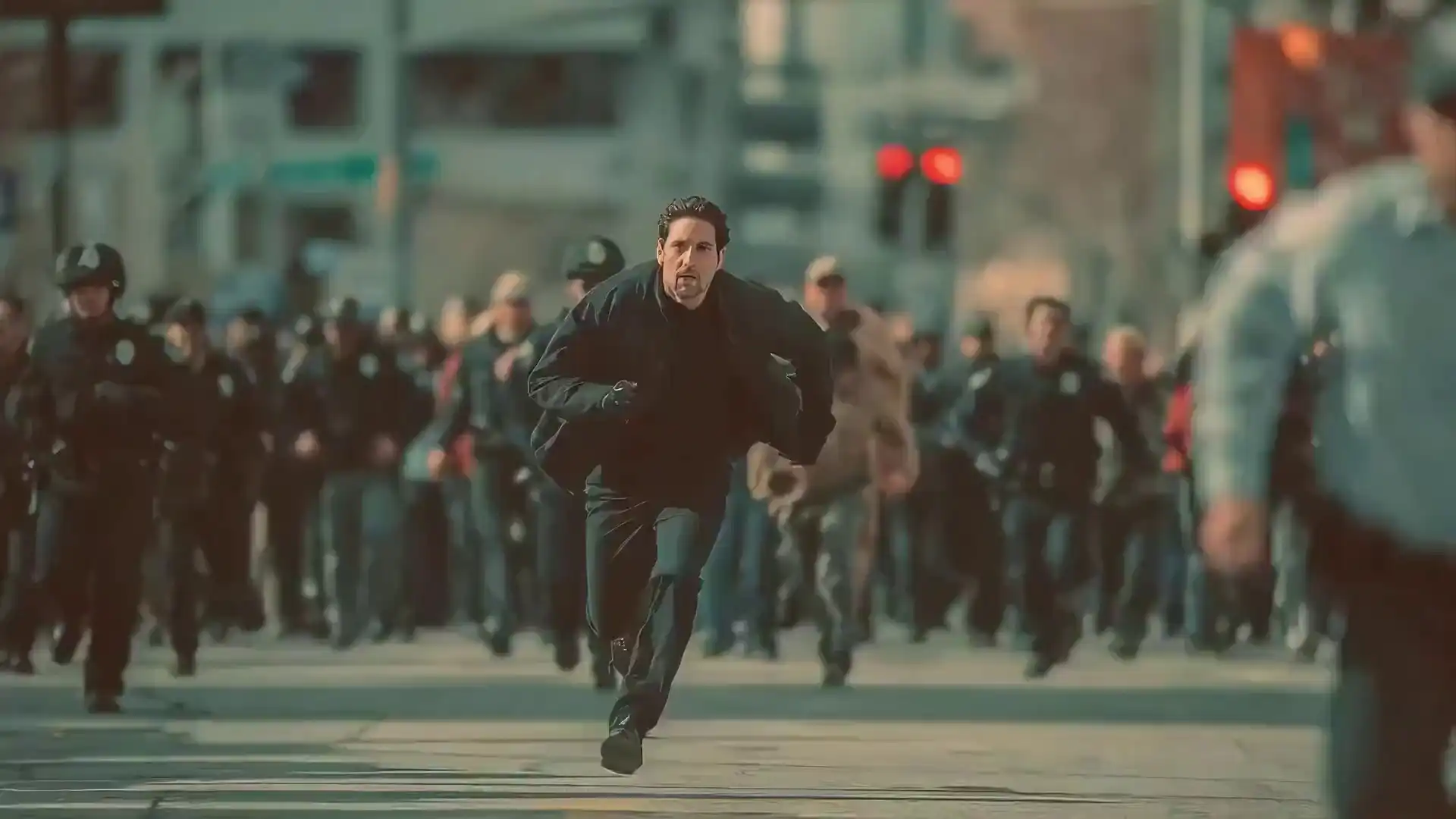
Generate cinematic AI videos online from text, images, video clips, and audio references. Seedance 2.0 supports 4K output, native audio, automatic lip sync, and up to 12 multimodal reference inputs in one generation.
Enter a prompt, upload references, and see the model in action. Available right now — no waitlist.
Output Preview
The facts you need before generating your first video.
Seedance 2.0 is ByteDance's AI video model — and it handles text, images, video clips, and audio all at once. Feed it your references and a prompt, and it outputs cinematic video with real audio: lip-synced dialogue, background music, ambient sound. No studio, no timeline editor, no waiting list.
Each project accepts up to 12 files: 9 images, 3 video clips (combined ≤15s), and 3 audio files (combined ≤15s). Tag your assets directly in the prompt using @Image1, @Video1, or @Audio1 — the model reads exactly which files you mean.
Videos run from 4 to 15 seconds at up to 4K, in six aspect ratios: 16:9, 9:16, 4:3, 3:4, 21:9, and 1:1. Seedance 2.0 is available online right now — no download, no GPU required.
Six capabilities built for real creative workflows — not just one-clip demos.
Upload up to 9 images, 3 video clips (combined ≤15s), and 3 audio files (combined ≤15s) as references. In your prompt, tag any asset using @Image1, @Video1, or @Audio1 — for example: "Use @Image1 as the first frame with @Video1's camera movement." The model reads exactly which assets you mean.
Upload a reference file and describe what to replicate in plain language — motion patterns, camera angles, visual effects, character appearances, or scene compositions. The model handles the rest. No technical parameters required.
Seedance 2.0 automatically adds sound effects and background music that fit your scene. Upload an audio file to sync video actions to specific beats — including lip-synced dialogue where characters speak in time with your audio.
Faces, clothing, text overlays, scene environments, and visual styles remain consistent throughout the generated clip. This reduces the character drift and style jumps that are common in other AI video tools.
Upload a video clip and the model extracts its camera movement, pacing, and motion patterns. Apply them to your own subject — without writing detailed camera direction in the prompt.
Add seconds to an existing video, merge multiple clips, or modify a specific segment — replacing characters, adding elements, or adjusting actions — while keeping the surrounding content unchanged.
Sample outputs across prompt styles, aspect ratios, and motion directions. Each clip generated from a single multimodal prompt.
Upload references, write a prompt, and download your video. No installation, no GPU — works directly in your browser.
Upload images, video clips, or audio files as references. You can combine up to 12 files: 9 images, 3 video clips (total ≤15s), and 3 audio files (total ≤15s).
Describe what you want the model to generate. Tag your uploaded files directly in the prompt using @Image1, @Video1, or @Audio1 to tell the model exactly which assets to use and how.
Select resolution (480p / 720p / 1080p), aspect ratio, and duration (4–15s). Run the generation and download your clip. Upload the result back to extend or edit it further.
Creators, marketers, educators, and studios across industries — all with the same model.
Reference a successful ad template and generate your own version with your product and branding. Run multiple creative variations without a full production setup.
Make short clips for TikTok, Reels, and Shorts that actually get people to stop and watch. Reference trending formats and apply them to your own creative direction.
Build short films, art projects, and music videos with multi-modal inputs. Reference film techniques and extend scenes smoothly across multiple shots.
Turn written lessons into visual explainers. Generate animated reconstructions, demonstration videos, and course content without a studio or animation team.
Upload a reference choreography or motion clip and apply it to any character you choose. Precise motion replication without detailed prompt engineering.
Extend an existing clip forward or backward, merge two scenes together, or modify a specific segment — without regenerating the whole video from scratch.
Test camera moves, transitions, and visual effects before committing to a full production shoot. Use reference clips to replicate specific cinematography styles.
Turn property photos into walkthrough videos and immersive previews. Showcase architectural designs dynamically without physical staging or drone shoots.
Upload a music track and generate video content that moves to the beat. Seedance 2.0 syncs camera movements and actions to your audio timing.
Seedance 2.0 is available now. Seedance 2.5 is coming in July 2026 with longer clips, 3D models, and local area editing.
| Capability | Seedance 2.0 LIVE | Seedance 2.5 July 2026 |
|---|---|---|
| Max clip length | 4–15 seconds (selectable) | Up to 30 seconds native |
| Output resolution | Up to 4K | Native 4K |
| Reference inputs | Up to 12 assets (9 img + 3 vid + 3 audio) | Up to 50 assets (+ 3D models) |
| Native audio | Yes — lip sync, music, ambient sound | Yes — with 2.5 improvements |
| 3D model support | Not available | 3D white-model previsualization |
| Local area editing | Not available | Edit specific areas without full regen |
| Aspect ratios | 6 ratios: 16:9, 9:16, 4:3, 3:4, 21:9, 1:1 | TBD at launch |
| Availability | Available now | Enterprise beta — July 2026 |
Credits power Seedance 2.0 — Text-to-Video, Image-to-Video, and Reference Media with native audio and lip sync at up to 4K. One-time packs with no subscription; credits never expire and are only deducted on successful generation.
$9.9
$0.044 / credits
Ideal for hobbyists and beginners
$29.9
$0.039 / credits
Perfect for most creators
$49.9
$0.035 / credits
Ideal for power users
$99.9
$0.029 / credits
Perfect for high-usage users
Answers about what it does, what it costs, and how to use it.
Available right now. Upload your references, write your prompt, and generate a cinematic video up to 15 seconds — no installation, no waitlist.
This is an independent third-party tool providing online access to the Seedance 2.0 AI video generation model. This site is not affiliated with, endorsed by, or operated by ByteDance or its subsidiaries. "Seedance" and related names are trademarks of ByteDance. Credit pricing data is sourced from seedance2.ai and may change — verify current rates before purchasing.