Seedance 2.5 Online AI Video Generator30 Seconds. One Run. No Stitching.

Upload your references - text, images, audio, or video - and Seedance 2.5 generates a complete 30-second AI video in one run. No stitching, no rework. Just a finished clip, ready to use.

30s
Native single-clip video outputNo stitching required
50
Multimodal reference assets per projectText, image, video, audio
4K
Native resolution outputUpgrade from Seedance 2.0
AI Video Generator

Create With The AI Video Tool

Open the generator below, add your prompt and reference assets, then shape the first version of your video directly on this page.

Seedance 2.5 is launching soon! While waiting, start creating with our highly capable Seedance 2.0 model below.
Resolution
Duration
5s
Ratio
Return Last Frame

Output Preview

Seedance 2.5 sample output preview
Your generated video will appear here
Video Showcase

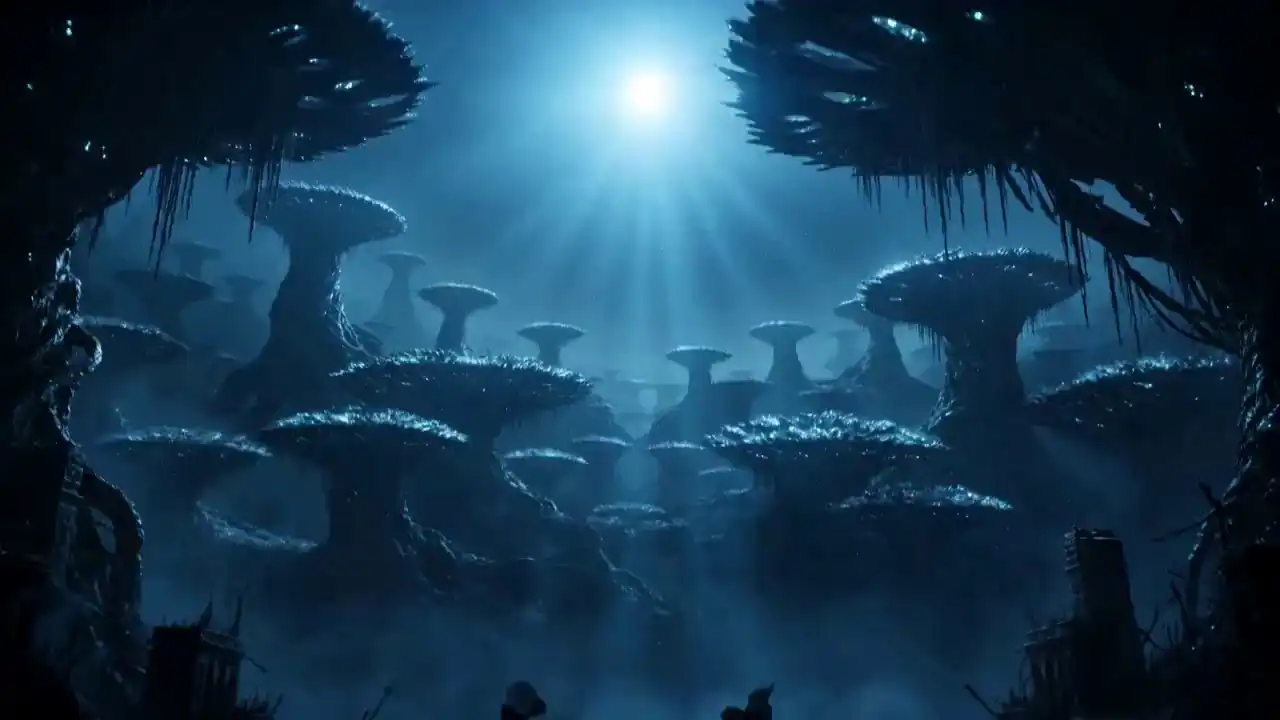
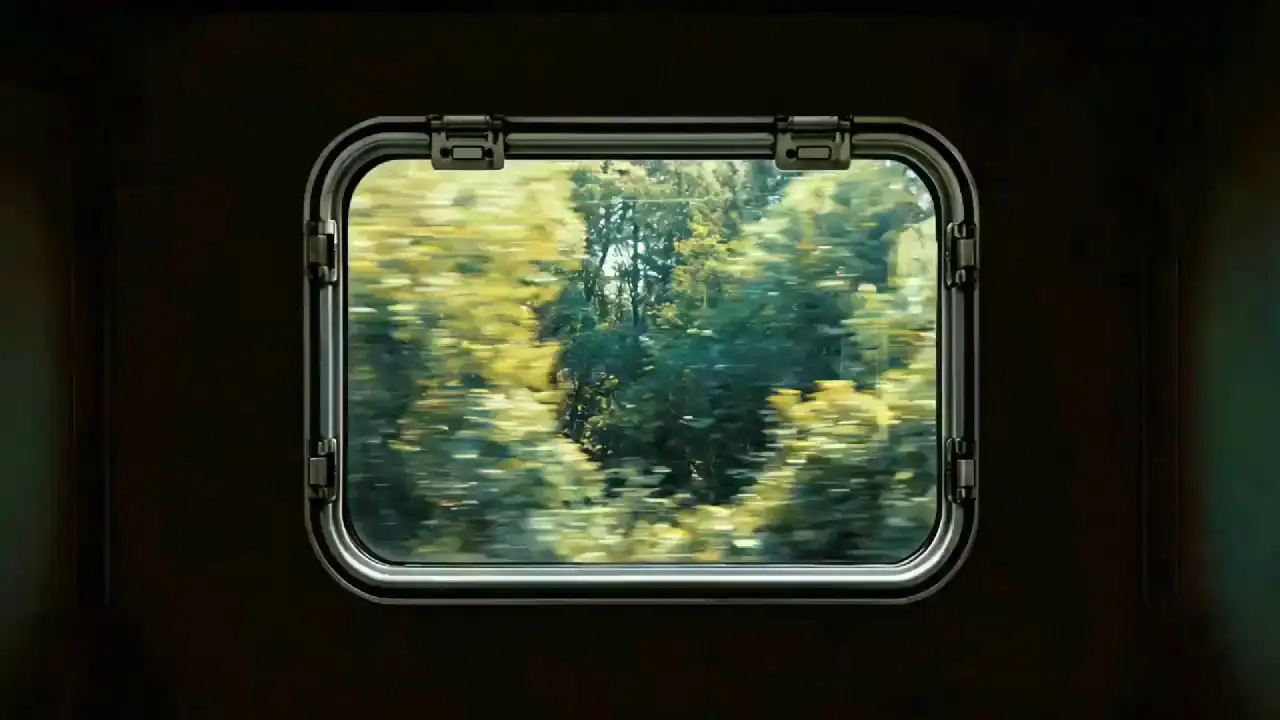
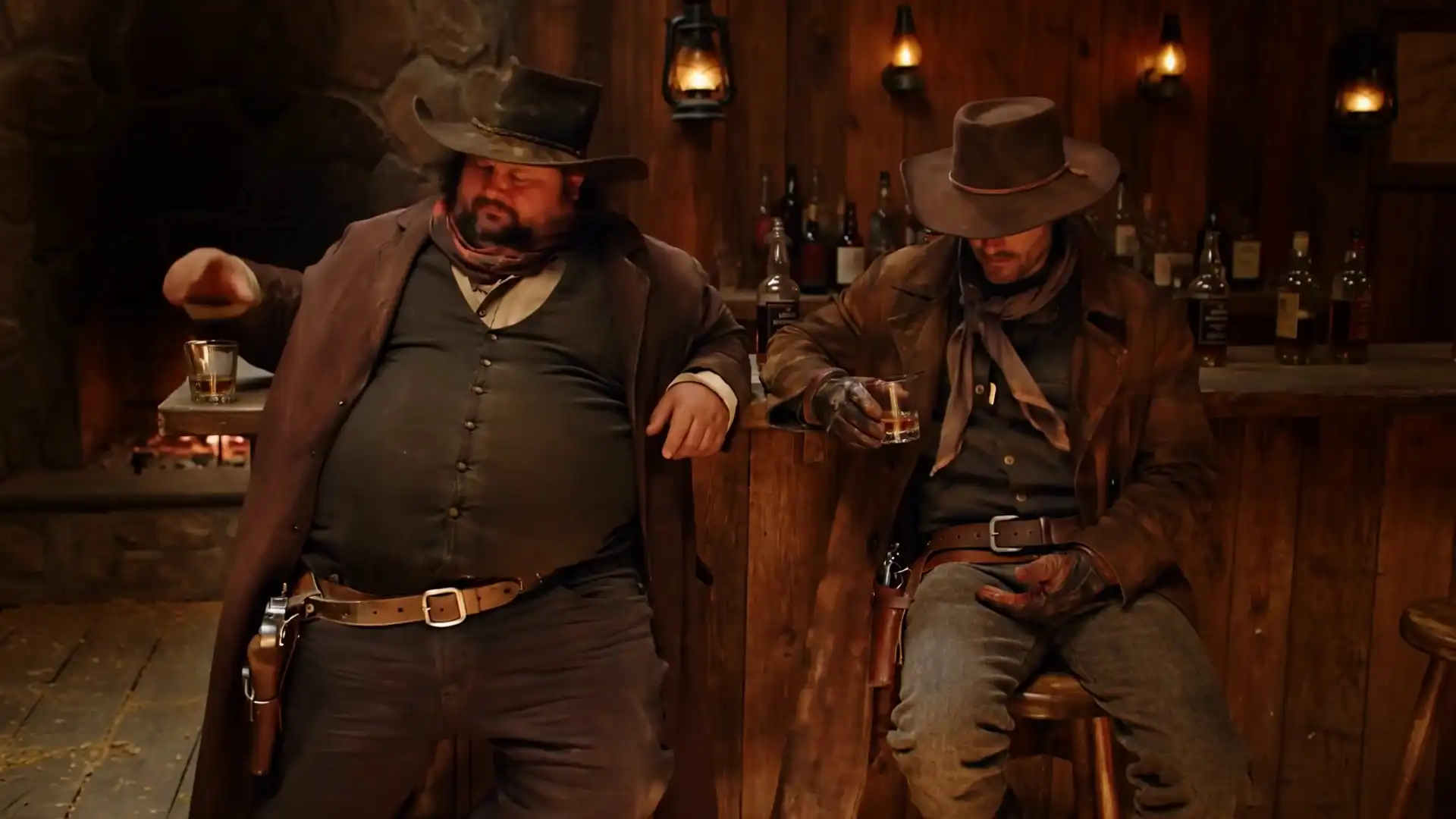
Seedance 2.5 AI Video Examples

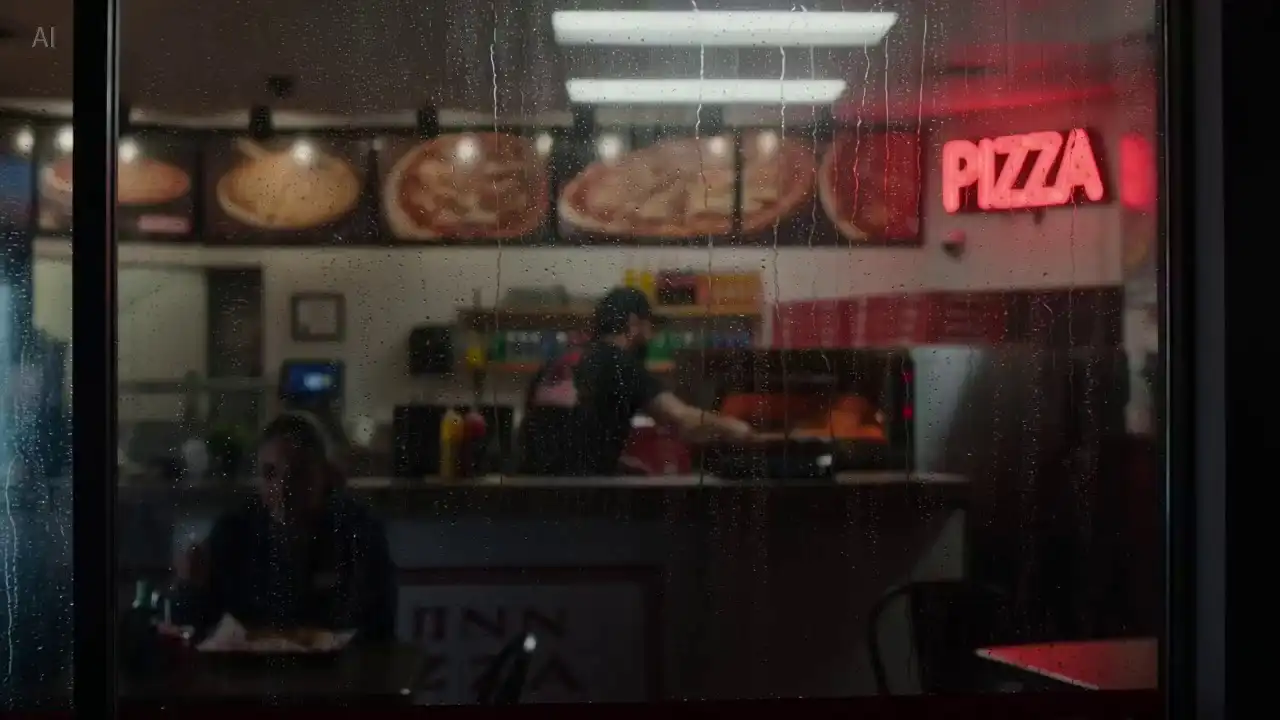
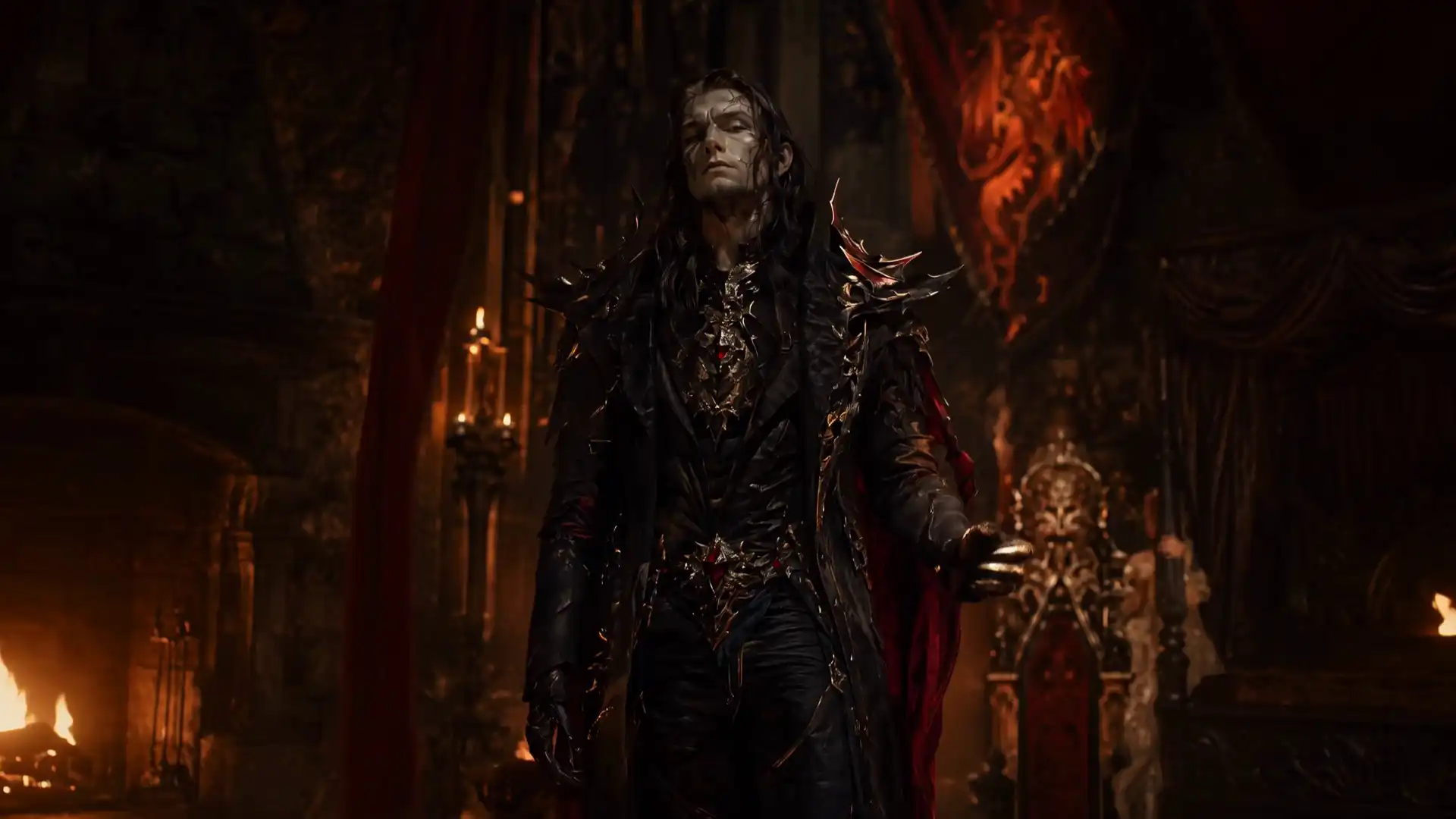
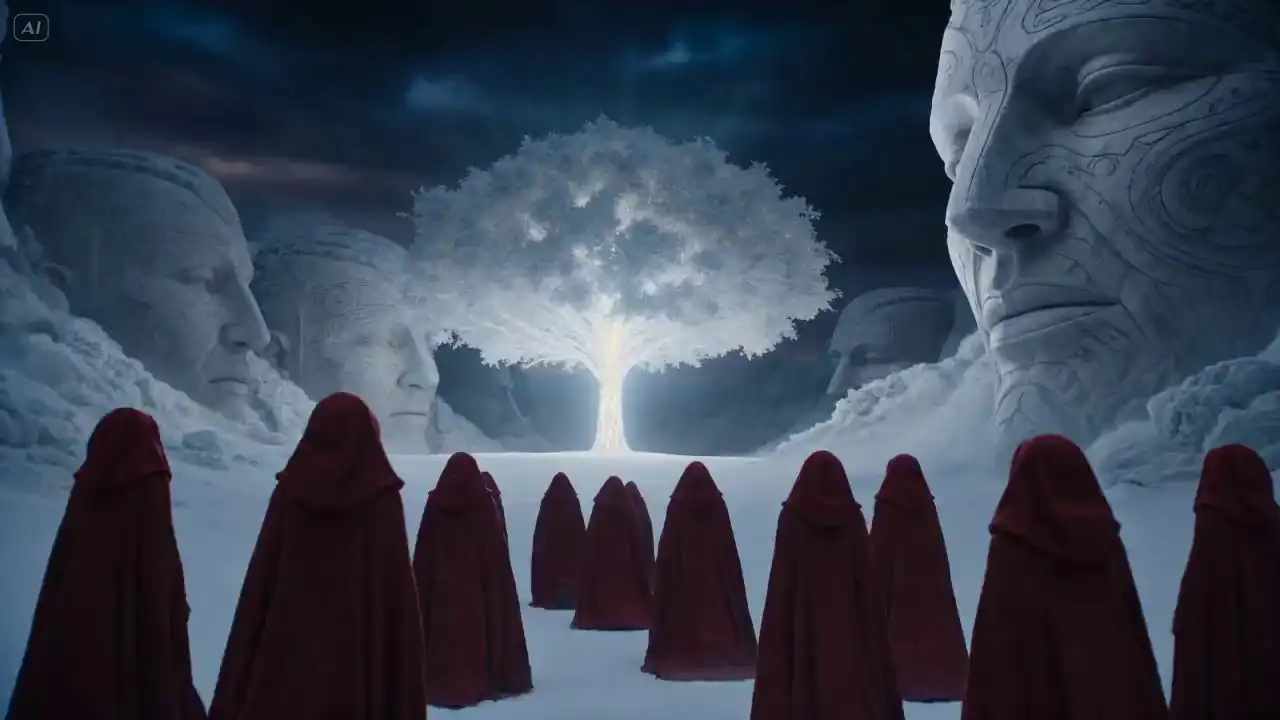
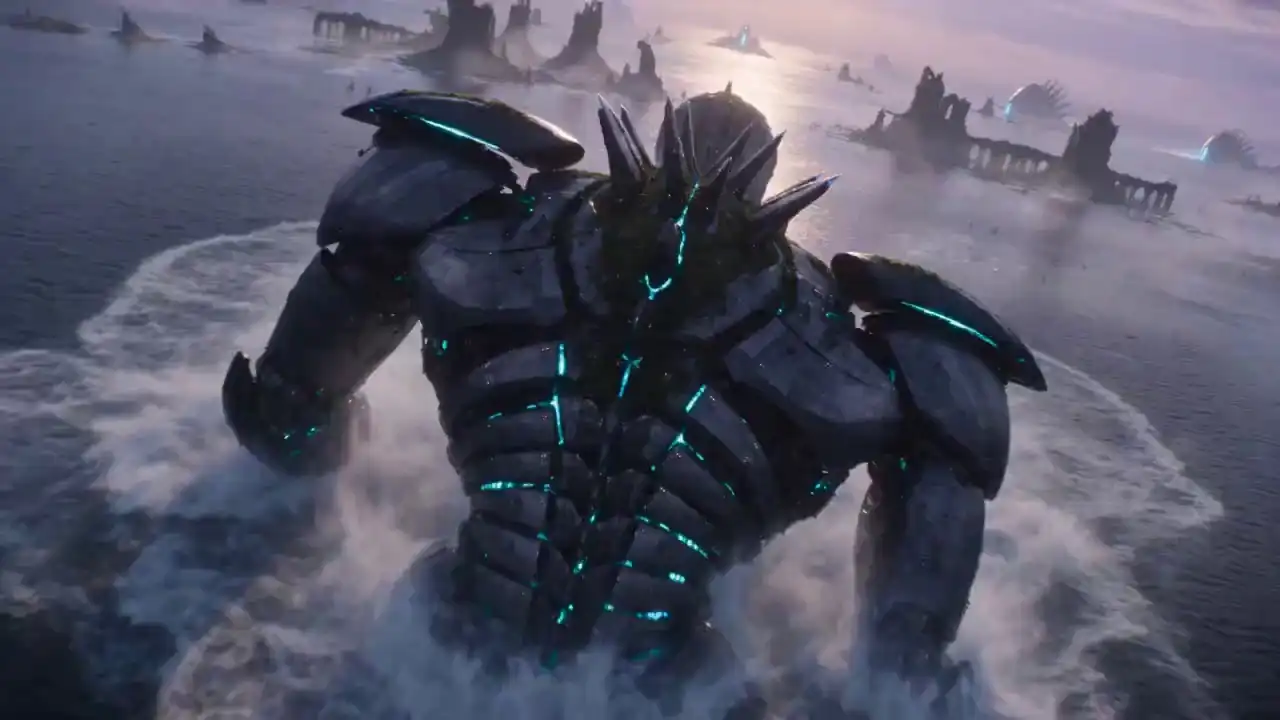
Real examples across product demos, brand stories, social content, and more — each generated in a single pass. Browse the full Seedance 2.5 examples gallery with prompts.

Product demo
AI Generated
4K30s
Social media ad
AI Generated
4K15s
Brand story
AI Generated
4K8s
Driving data synthesis
AI Generated
4K30s
Product visualization
AI Generated
4K15s
Digital avatar
AI Generated
4K8s
Cinematic scene
AI Generated
4K30s
Motion graphics
AI Generated
4K15s
Architectural flythrough
AI Generated
4K8s
Model Overview

What is Seedance 2.5?

Seedance 2.5 is ByteDance’s next-generation video generation model and a major upgrade to the classic Seedance 2.0. It delivers key advances in three areas: longer single-clip generation, multi-asset reference inputs, and video editing.

These capabilities make AI video creation more complete, controllable, and production-ready. You can reduce the need for multiple clips and complex post-production compositing.

AI Generated
4K30s

What's New in Seedance 2.5

Upgraded in 2.5
01

Native 30-Second Single-Clip Output

Seedance 2.5 generates native 30-second single-clip videos directly, with high-quality video continuation support. This enables richer storytelling, a more coherent narrative rhythm, and less reliance on multi-clip generation or post-production compositing, making creative expression more complete and efficient.

New in 2.5
02

Up to 50 Multimodal Reference Inputs

Push reference input limits further with joint full-modal asset understanding. Seedance 2.5 can unify multiple creative elements and coordinate them in generation, greatly improving controllability for complex creative tasks.

New in 2.5
03

More Controllable Video Editing

Seedance 2.5 supports more flexible secondary video editing. During local adjustments, Seedance 2.5 keeps visual consistency intact, making outputs truly editable, iterable, and ready to deliver.

Core Features of Seedance 2.5

Seedance 2.5 Features: Native 4K, 30-Second Clips, No Stitching

Seedance 2.5 is an AI video generation model built for longer clips, native 4K output, multimodal references, consistent scenes, and controlled editing. It is currently in enterprise testing, with a public launch expected in July.

Output Length

Native 30-Second Video Generation

Generate a complete HD video up to 30 seconds long in a single pass. Longer native output reduces the need to create and combine multiple short clips.

Output Length
Resolution Upgrade

Native 4K Video Output

Seedance 2.5 generates native 4K video with 10-bit color depth, well above standard 8-bit output. You get richer color gradation and smoother tonal transitions — built for professional workflows and HDR delivery.

Resolution Upgrade
Resolution · Upgrade

Multilingual Generation, clean video output

ByteDance Seedance 2.5 supports major languages including Chinese, English, Spanish, Indonesian, Malay, Thai, Arabic, Portuguese, Vietnamese, Japanese, and Korean, enabling native-language video creation for global creators.It also reduces random subtitles and unwanted background music, delivering cleaner outputs that are easier to edit with your own text, music, and post-production assets.

Resolution · Upgrade
Multimodal Input · New in 2.5

Up to 50 Multimodal References

Import up to 50 reference assets in one project, including text, images, video, and audio. Use them to guide the content, structure, motion, sound, and visual direction of your video.

Multimodal Input · New in 2.5
Consistency

Character and Scene Consistency

Maintain characters, clothing, environments, lighting, and visual style throughout a generated sequence. This helps you create more cohesive stories and multi-scene videos.

Consistency
Editing

More Controlled Video Editing

Edit specific subjects, objects, or areas without regenerating the entire video. Refine motion, appearance, and visual details while keeping the surrounding scene, lighting, characters, and overall style consistent.

Editing
How to Use It

How to Use Seedance 2.5 Online

No installation required. Works directly in your browser.

STEP 01

Write your prompt

Describe what you want to see — the scene, characters, mood, and camera movement. Be specific about what matters: character appearance, lighting style, or product details you want preserved.

STEP 02

Add reference assets

Upload images, video clips, or audio files as references. You can add up to 50 assets per project. These guide the generation — the model uses them to hold your visual direction consistent.

STEP 03

Generate and refine

Run generation and review your clip. If a specific part needs adjusting, use local editing to fix that area without regenerating the entire video. Download when ready.

Use Cases

Seedance 2.5 Use Cases

Designed for content teams, marketers, and brands who need video at scale.

Marketing and Ad Teams

Build product ads, brand campaigns, and promotional videos from reference images and brand guidelines. Run multiple creative variations without a full production shoot.

Ecommerce and Product Brands

Use reference images, rough sketches, or existing footage to visualize a scene before you commit to a full shoot. Test your concept first, then build it out.

Industrial and Enterprise Teams

Use reference images, rough sketches, or existing footage to visualize a scene before you commit to a full shoot. Test your concept first, then build it out.

Core Benefits

Why Choose Seedance 2.5?

Create consistent AI videos with less editing and fewer retries. Seedance 2.5 helps you move faster from your initial idea to content ready for ads, product demos, brand campaigns, and social media.

Finish Videos Faster

Generate longer, more consistent 4K video clips with fewer visual interruptions. You can spend less time stitching clips together, fixing frames, and preparing videos for publishing.

Keep Characters and Visuals Consistent

Maintain character appearance, clothing, lighting, and camera style across a continuous video. Your stories, ads, and branded content feel more cohesive from start to finish.

Scale Content Production

Use text, images, video, audio as references for your AI video generation workflow. You can reuse the same creative direction across a series without repeatedly adjusting prompts and settings.

Reduce Production Costs

Create product demonstrations and concept videos from your reference materials. You can test ideas without building every physical set or organizing a full production shoot.

Edit Details Without Starting Over

Update a specific part of your video while keeping the rest of the scene intact. You can fix individual details without regenerating the entire clip, saving both time and generation credits.

Seedance 2.5 vs 2.0

Seedance 2.5 vs Seedance 2.0

See how Seedance 2.5 upgrades Seedance 2.0 with sharper 4K visuals, faster rendering, 30-second native clips, stronger multi-modal control, local frame editing and audio-linked dynamic generation.

ComparisonSeedance 2.0Seedance 2.5 NewWhy It Matters
Video QualitySupports 4K output for short videos and everyday creative workflows.Built for longer 4K video generation with stronger detail, lighting, and motion stability.More stable visuals across longer sequences.
Video LengthGenerates single clips up to 15 seconds.Generates native continuous videos up to 30 seconds.Less stitching and more complete video scenes.
Multimodal ReferencesSupports up to 12 reference assets.Supports up to 50 mixed references, including text, images, video, and audio.Better for complex creative briefs and repeatable content series.
Text to VideoSupportedImproved understanding of detailed prompts, including scenes, actions, mood, camera movement, and visual style.Better alignment between the prompt and generated video, with less trial and error.
Image to VideoSupportedStronger preservation of subject identity, composition, visual style, and creative direction from reference images.Better for product images, character references, and brand visuals.
Video ReferencesSupportedBetter at following reference video pacing, camera rhythm, motion direction, and dynamic structure.More control over camera behavior and motion recreation.
Audio and Visual SyncSupports audio references, dialogue, sound effects, and lip-sync related workflows.Supports richer audio references for dialogue, music, sound effects, lip sync, and audio-driven action.Better for avatar videos, music-driven content, and advertising clips.
Reference Image ControlSupports images as video generation references.Better at preserving the subject, composition, style, and visual direction from reference images.Stronger for character extension, product showcases, and consistent brand visuals.
Local Video EditingSupports localized video editing, including partial clip changes, element replacement, and shot extension.Enables more precise local area edits, element replacement, and visual corrections.Lower revision cost and faster video iteration before final delivery.
Best Use CasesDaily short videos, creative clips, and lightweight marketing content.Brand ads, product demos, avatar videos, industrial previsualization, and short narrative content.Expands from lightweight creation to a fuller AI video production workflow.
Narrative ContinuityBest for short shots, single actions, and fragmented creative ideas.Better for action progression, camera changes, and story flow in continuous 30-second videos.Supports more complete product demos, ad scripts, and short story scenes.
Iteration CostRevisions may require regeneration or extra post-production.Longer clips, more reference assets, and local editing reduce repeated generation and manual rework.Faster iteration and lower production friction.
FAQ

Frequently Asked Questions

Quick answers about how the model works, what it can do, and how to access it.

Seedance 2.5 is ByteDance's next-generation AI video generation model. It generates native 4K video clips up to 30 seconds long from text prompts, images, audio, and video references — all in a single pass with no stitching required. It's a major upgrade over Seedance 2.0, with longer clips, higher resolution, stronger character consistency, up to 50 multimodal reference inputs, and a new local area editing feature.
Using Seedance 2.5 on our website takes three steps. First, write a prompt describing your scene — include the subject, motion, camera movement, lighting, and mood. Second, upload your reference assets: images, video clips, or audio files (up to 50 per project). Third, generate your video and review the output. If any part needs adjusting, use local area editing to fix that specific section without regenerating the entire clip. No installation or GPU is required — everything runs in your browser.
Seedance 2.5 is expected to launch publicly in July 2026. ByteDance has not confirmed an exact date. Once it's available, our website will be updated immediately so you can start generating right away. In the meantime, Seedance 2.0 is available now on our website and supports text-to-video, image-to-video, and reference media workflows.
Our website uses a credit-based system. New users receive 30 free credits upon registration, which is enough to generate 1 to 2 videos. To generate more videos, you can purchase a credit package — each plan provides a corresponding number of credits. There is no subscription required to get started, and you can try the tool immediately after signing up.
To access Seedance 2.5 on our website, create a free account and sign in. New users receive 30 credits upon registration to start generating right away. Once logged in, open the video generator, enter your prompt, add any reference assets, choose your resolution and aspect ratio, and click generate. No software download or GPU is needed — the tool runs entirely in your browser.
Seedance 2.5 introduces several significant upgrades over Seedance 2.0. The most notable are native 30-second single-clip output (Seedance 2.0 produces shorter clips), native 4K resolution (vs. 1080p and below in 2.0), support for up to 50 multimodal reference inputs including text, images, video, and audio, fine-grained character and scene consistency across an entire clip, and local area video editing that lets you fix a specific part without regenerating the full clip.
Yes. Seedance 2.5 supports text-to-video, image-to-video, and reference media workflows. You can generate a video from a text prompt alone, start from one or more reference images, upload a video clip as a motion reference, or combine text, images, video, and audio together in a single project. Up to 50 reference assets can be used per generation. Our website currently runs Seedance 2.0, which also supports all three of these workflows, while Seedance 2.5 is in enterprise beta ahead of its public launch.
Seedance 2.5 generates videos up to 30 seconds long in a single pass. This is native output — the model produces the full clip directly without stitching multiple shorter segments together. This is a significant upgrade from Seedance 2.0, which produces shorter native clips. The 30-second native length makes Seedance 2.5 suitable for social media content, product demos, brand videos, and other formats that require longer continuous clips.
To get better results, be specific in your prompt. Describe the subject clearly, include the action or motion you want, specify camera movement (such as slow push-in or tracking shot), and note the lighting style and mood. If you want a consistent character or environment, upload reference images alongside your prompt — the model uses them to hold your visual direction stable across the full clip. Start with one clear objective per generation, then use local area editing to refine specific details rather than regenerating the entire video from scratch. Iterating one variable at a time gives you more control over the final result.
Seedance 2.5 stands out in three areas: native 30-second clips, native 4K output, and support for up to 50 multimodal reference inputs. Most competing models — including Sora, Runway, and Kling — cap native output at 4 to 10 seconds and offer more limited reference control. Seedance 2.5 also adds local area editing, so you can fix a specific part of a clip without regenerating the whole thing. If you need longer, higher-resolution videos with more creative control, Seedance 2.5 is the stronger choice.
Explore More

Learn more about Seedance 2.5