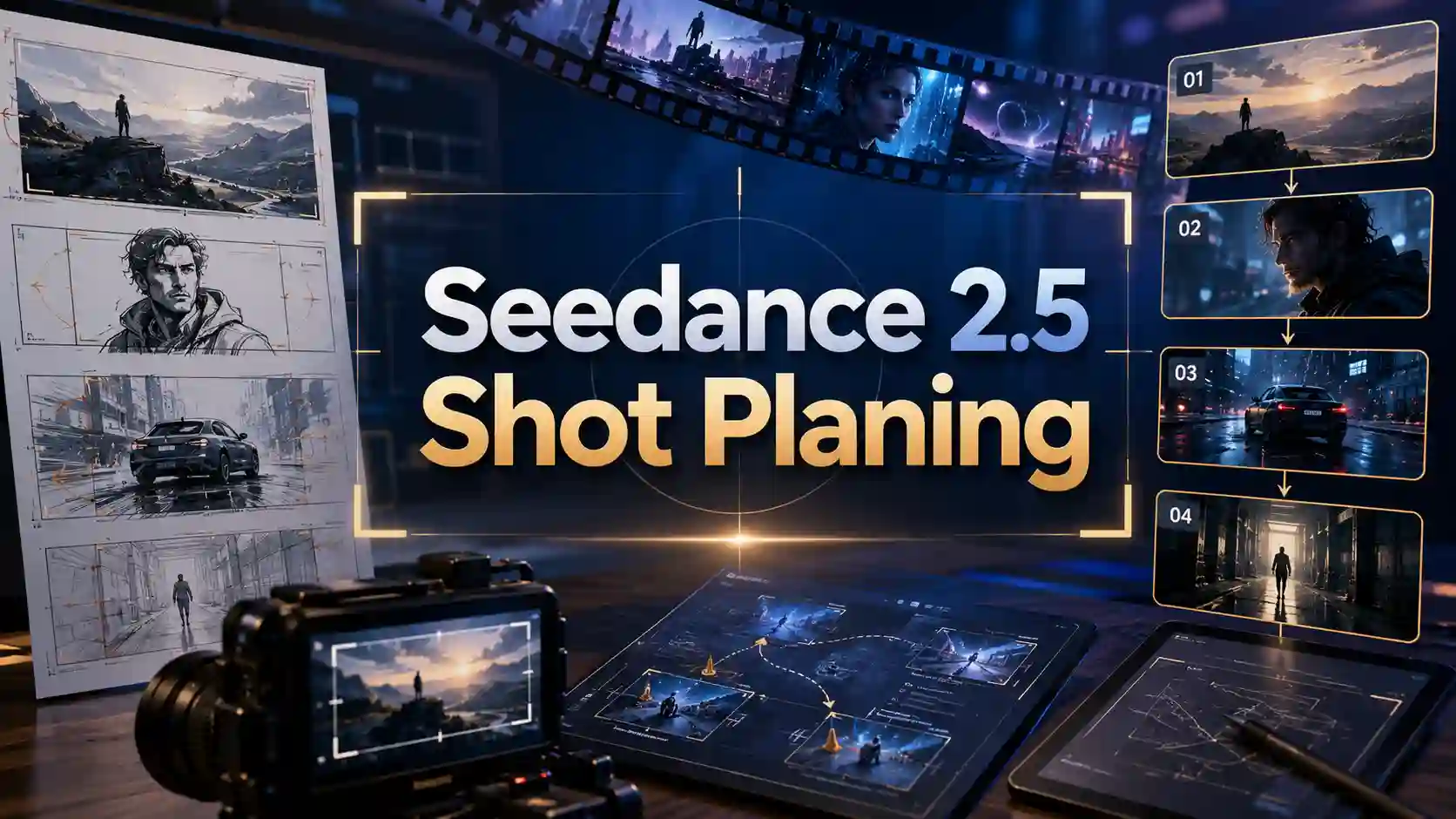
Seedance 2.5 will support 30s native AI video generation. However, longer videos are not simply longer versions of short clips. They contain more visual decisions, more continuity requirements, and more opportunities for inconsistency.
This is why shot planning becomes increasingly important.
A strong AI video workflow is closer to filmmaking:
break the story into shots
define the purpose of each scene
control camera movement
describe one clear action at a time
protect character and visual consistency
🔊 Seedance 2.5 has not been officially released yet, stay tuned!
Try Seedance 2.0 AI Video Generator - Free to Start
Why Do Longer AI Videos Need Better Shot Planning?
More seconds bring more creative decisions.
A longer AI video does not only require more frames. It requires more consistency.
Common problems become more obvious as videos become longer:
❗ Character inconsistency
A character may change:
facial features
clothing
hairstyle
body shape
❗ Scene continuity problems
The environment may shift:
room layout
lighting
object position
background details
❗ Motion problems
Complex actions may fail:
running
fighting
hand interaction
multiple character movement
❗ Camera problems
Unclear camera instructions may create:
unstable movement
unnatural transitions
confusing perspectives
The solution is not always adding more words to a prompt.
💡 A better approach is:
Create a sequence of clear shots with clear purposes.
For example:
Instead of:
A detective runs through a city, enters a building, fights an enemy, discovers a secret, and escapes.
A better shot structure:
Shot 1: Wide shot showing the city environment.
Shot 2: Tracking shot following the detective.
Shot 3: Close-up showing the character reaction.
Shot 4: Interior shot revealing the discovery.
The story becomes easier to control because every shot has a clear job.
How to Use Shot Types to Tell Stories?
Every camera angle has a storytelling purpose.
Classic films use different shot types because each framing creates a different emotional effect. AI video creators can apply the same logic when designing prompts.
Wide Shot: Build the World
💡 A wide shot introduces:
location
atmosphere
scale
character relationship with the environment
✅ Useful for:
opening scenes
fantasy worlds
city environments
architecture scenes
Example:
Wide cinematic shot of a lone traveler walking through a massive futuristic city, showing the scale of the environment.
Medium Shot: Show Action and Interaction
💡 A medium shot focuses on:
character movement
dialogue
interaction
body language
✅ Useful for:
conversations
product demonstrations
character scenes
Example:
Medium shot of a designer explaining a product while interacting naturally with the object.
Close-Up: Capture Emotion and Details
💡 Close-ups reveal:
facial expressions
important objects
emotional moments
✅ Useful for:
reactions
product details
dramatic storytelling
Example:
Close-up shot of a character looking surprised as a mysterious object lights up.
Cutaway Shot: Control Rhythm
💡 A cutaway helps:
transition between scenes
create atmosphere
slow down emotional moments
Examples:
rain outside a window
a clock moving
a city skyline
an empty room
These shots may look simple, but they help complete the story.
How to Write Better Prompts for AI Video Shots?
Better prompts describe a shot, not an entire movie.
A strong cinematic AI video prompt usually answers five questions:
1. Who or What Is the Subject?
Define the main focus.
Example:
A young explorer wearing a futuristic suit.
2. What Is the Main Action?
Keep the action simple.
Weak:
A character fights enemies, runs through a city, and discovers a secret.
Better:
A character slowly walks through an abandoned city street.
One shot, one main action.
3. How Does the Camera Move?
Camera direction creates cinematic feeling.
Useful terms:
wide shot
close-up
tracking shot
slow push-in
overhead shot
handheld camera
cinematic orbit
Example:
Slow tracking shot following the character through the street.
4. What Is the Environment?
Define:
location
lighting
atmosphere
time
Example:
Rainy night environment with neon lights reflecting on the street.
5. What Must Stay Consistent?
For longer AI videos, add important rules:
same character appearance
same outfit
same product design
same environment style
This reduces visual drift.
💡 A practical prompt structure:
Subject + Action + Camera + Environment + Emotion + Consistency
Example:
A young filmmaker walks through an empty theater. Medium tracking shot, slow camera movement, warm cinematic lighting, thoughtful expression, consistent character appearance.
This structure works because it separates different creative decisions.
Instead of asking AI to invent everything, creators provide a clearer creative direction.
How to Plan a 30-Second AI Video?
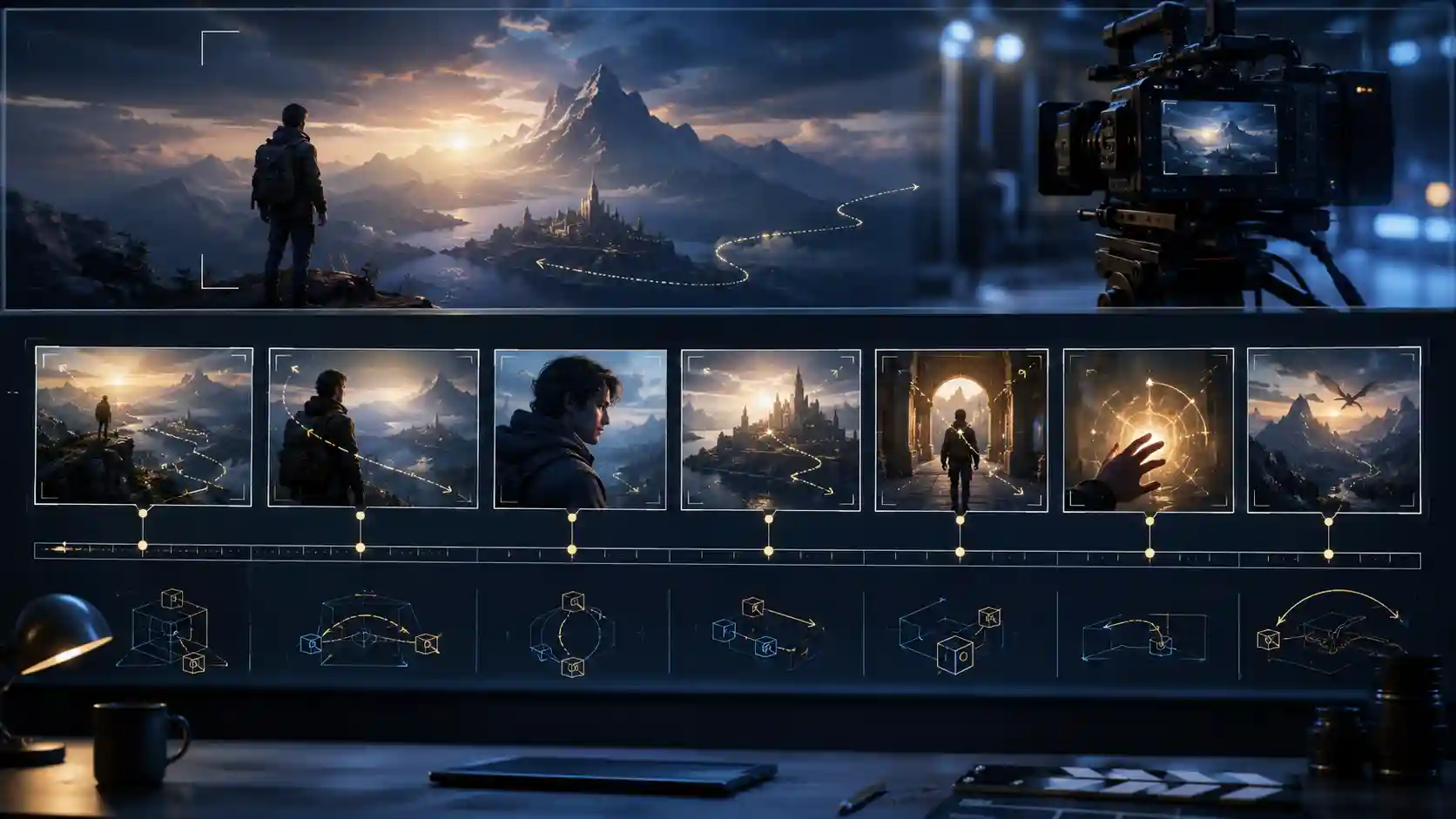
Think in scenes, not one continuous generation.
Longer videos work better when they are treated as a sequence of connected moments.
A simple structure:
Scene 1: Introduction (0–5 seconds)
Goal:
Establish the world.
Shot:
Wide shot.
Scene 2: Main Action (5–15 seconds)
Goal:
Show what the character or product does.
Shot:
Medium shot or tracking shot.
Scene 3: Important Detail (15–25 seconds)
Goal:
Highlight emotion or key information.
Shot:
Close-up.
Scene 4: Ending Moment (25–30 seconds)
Goal:
Create a memorable final frame.
Shot:
Final composition or cinematic wide shot.
This approach follows a basic filmmaking principle:
A complete video is built from meaningful shots, not one oversized prompt.
What Mistakes Should You Avoid?
Most failures start before generation.
❌ Writing overloaded prompts
Problem:
Too many actions in one scene.
✅ Solution:
Split complex stories into smaller shots.
❌ Using vague camera instructions
Problem:
“Make it cinematic” gives little direction.
✅ Solution:
Describe:
camera angle
movement
shot size
speed
❌ Adding too many characters
Problem:
Multiple characters increase consistency challenges.
✅ Solution:
Start with fewer subjects and clearer interactions.
❌ Mixing all references together
Problem:
Character, style, motion, and environment references may conflict.
✅ Solution:
Separate:
identity references
motion references
style references
scene references
Longer videos require better direction, not longer descriptions.
As AI video generation evolves, creators will need more than creative ideas. They will need filmmaking skills.
The strongest workflows will combine:
clear shot planning
structured prompts
cinematic camera thinking
consistent references
creative storytelling
Seedance 2.5 may bring new possibilities for longer and more controllable AI video creation, but the most valuable skill remains the same:
Knowing what each shot needs to communicate.
A better prompt does not describe everything.
A better prompt gives every shot a purpose.