Seedance 2.0 has already shown strong potential for cinematic AI video generation. But as more creators experiment with AI video, one demand becomes clear:
Users do not only want one impressive clip.
They want longer scenes and more control over the final result.
That is why Seedance 2.5 is so interesting for creators. AI video is moving from “generate a nice shot” to “direct a complete video scene.”
This is where the idea of an AI director workflow matters.
A good AI video creator does not simply write a prompt and hope for the best.
A good creator plans the scene, defines the subject, organizes references, guides camera motion, controls rhythm, and thinks about the viewer’s reaction.
In other words, the creator becomes less like a prompt writer and more like a director.
Explore More About Seedance 2.5 📑
What is an AI Director Workflow?
Better directed before generated.
An AI director workflow is a creative process where the user guides the whole video result instead of only describing a single visual moment.
In traditional prompting, a creator may write something like “a futuristic city at night, cinematic lighting, dramatic camera movement.” The model may generate a beautiful clip, but the result can still feel random, incomplete, or disconnected from a larger story.
Director-level control becomes especially important for Seedance 2.5 workflow planning. The key idea is simple: do not use AI video like a slot machine. Use it like a production tool.
How Does Native 30-Second AI Video Change the Creative Process?
Longer clips make room for complete expression.
One of the biggest limits of AI video has been duration. A short clip can be visually impressive, but it often struggles to carry a complete message.
❗ When every moment is generated as a separate shot,
Story may feel fragmented
Characters may change between clips
Objects may drift
Lighting may shift
Camera movement may lose rhythm
That is why the 30-second native AI video generation matters. The value is not just “more seconds.” The real value is more complete storytelling.
🎬 For AI filmmaking, this means a scene can feel less like a random montage and more like a directed moment.
💰 For AI product video generation, it means a brand can show a product reveal, a close-up, a usage scenario, and a final brand shot in one clearer sequence.
📱 For social media creators, it means a single AI video can hold attention longer without feeling like disconnected pieces.
How to Plan a 30-Second Seedance 2.5 Video?
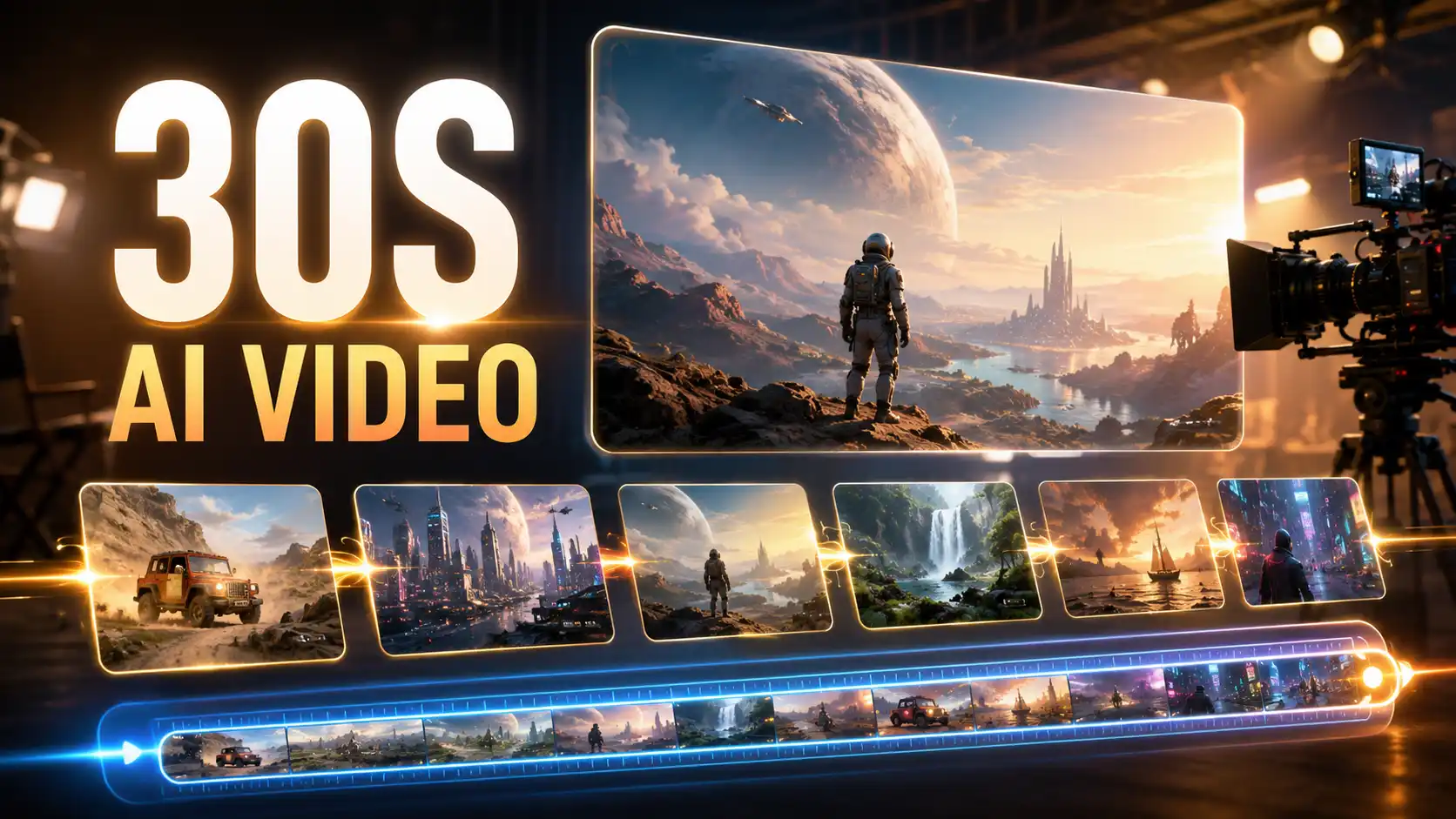
A longer scene needs structure, not a longer prompt.
The biggest mistake creators may make with longer AI video is treating 30 seconds as simply a longer version of a 5-second prompt. That usually creates messy results. More time means more room for storytelling, but it also requires better planning.
A useful structure is to divide the video into four creative beats:
Start with the Hook
The first few seconds should tell the model and the viewer what matters most.
✅ Define:
Main subject
Visual setting
Camera distance
Initial emotion
First movement
For example,
A short film scene may start with a character standing alone in a rainy street.
A product ad may begin with the product entering frame under dramatic light.
A fashion video may open with a slow close-up before the camera reveals the full outfit.
Build the Scene
After the hook, the video needs context. This is where creators define the environment, supporting details, and visual direction.
✅ Think about:
Location
Lighting
Background motion
Character posture
Product placement
Color mood
This is where scene planning becomes more important than keyword stuffing. Instead of adding many style tags, describe how the scene should develop.
Direct the Main Action
The middle of the clip should contain the core movement.
✅ This can include:
A character walking, turning, reacting, or interacting.
A product being used, opened, transformed, or revealed.
A camera tracking, pushing in, orbiting, or following motion.
A cinematic action beat, such as a chase, dance, fight, or transition.
The rule is simple: one clear action is better than five competing actions.
End with a Payoff
A directed AI video should not just stop. It should land.
✅ The ending can be:
A final close-up.
A brand moment.
A character reaction.
A visual reveal.
A transition into a CTA.
A dramatic freeze-like final image.
This structure helps make 30-second AI videos more coherent and easier to use in real projects.
What Do 50 References Change in Seedance 2.5?
References turn prompts into a creative brief.
Seedance 2.5 is support for up to 50 multimodal references, including images, audio, and video inputs that can help guide more complex film scenes.
This matters because prompt writing has limits. The more information you pack into one prompt, the more likely the model may miss something. References can reduce that pressure.
💡 In an Reference-to-Video(R2V) workflow, creators can use reference materials to guide the model visually and rhythmically. This can help with:
Character consistency
Product accuracy
Brand style
Scene continuity
Camera rhythm
Motion direction
Audio-visual mood
The key is not to upload many references randomly. The key is to organize them like a director’s creative brief.
How Should Creators Prepare Reference Inputs?
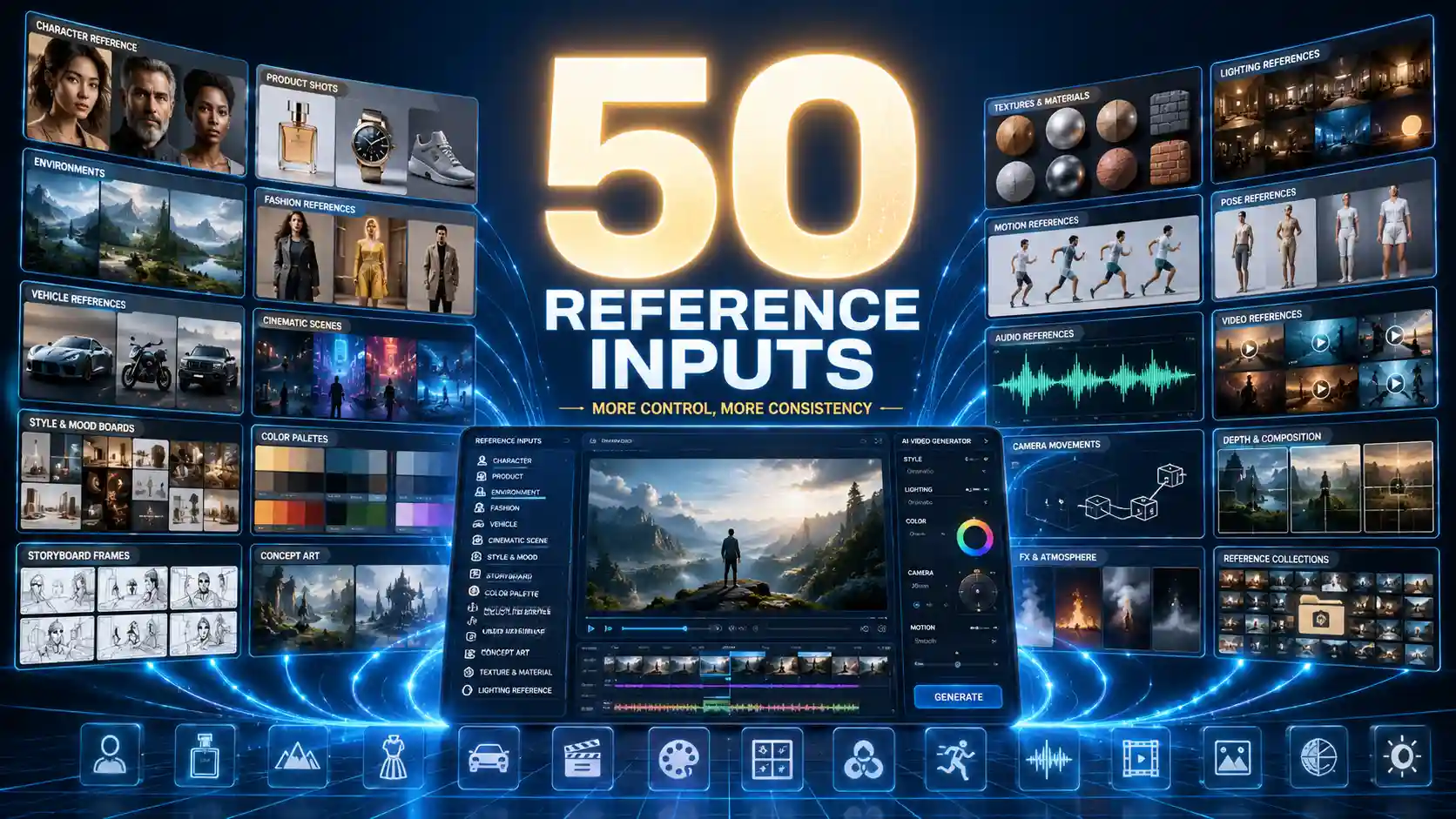
Better inputs create better direction.
Character References
Use these for AI video character consistency.
✅ Prepare:
Front-facing portrait
Side view or three-quarter view
Outfit details
Facial expression examples
Body posture references
This helps reduce identity drift, especially for AI short films, virtual influencers, short dramas, and recurring character videos.
Product References
Use these for AI product video generation and ecommerce AI videos.
✅ Prepare:
Clean product image
Packaging image
Close-up details
Product in use
Desired lighting style
This is especially useful for ads, because small product errors can make a video unusable.
Scene References
Use these to guide space and atmosphere.
✅ Prepare:
Location examples
Background style
Interior or exterior reference
Lighting mood
Environmental details
Scene references help the model understand not only what appears in the video, but where the action should happen.
Motion References
Use these to guide movement.
✅ Prepare:
Walking style
Camera tracking example
Product usage motion
Action rhythm
Transition example
Motion references are useful when text alone cannot explain the exact physical rhythm.
Style References
Use these to guide visual language.
✅ Prepare:
Cinematic color palette
Lens style
Film grain example
Animation style
Social media aesthetic
A good style reference can keep videos from feeling visually inconsistent across a campaign or series.
Why is Local Editing Important for AI Video Generation?
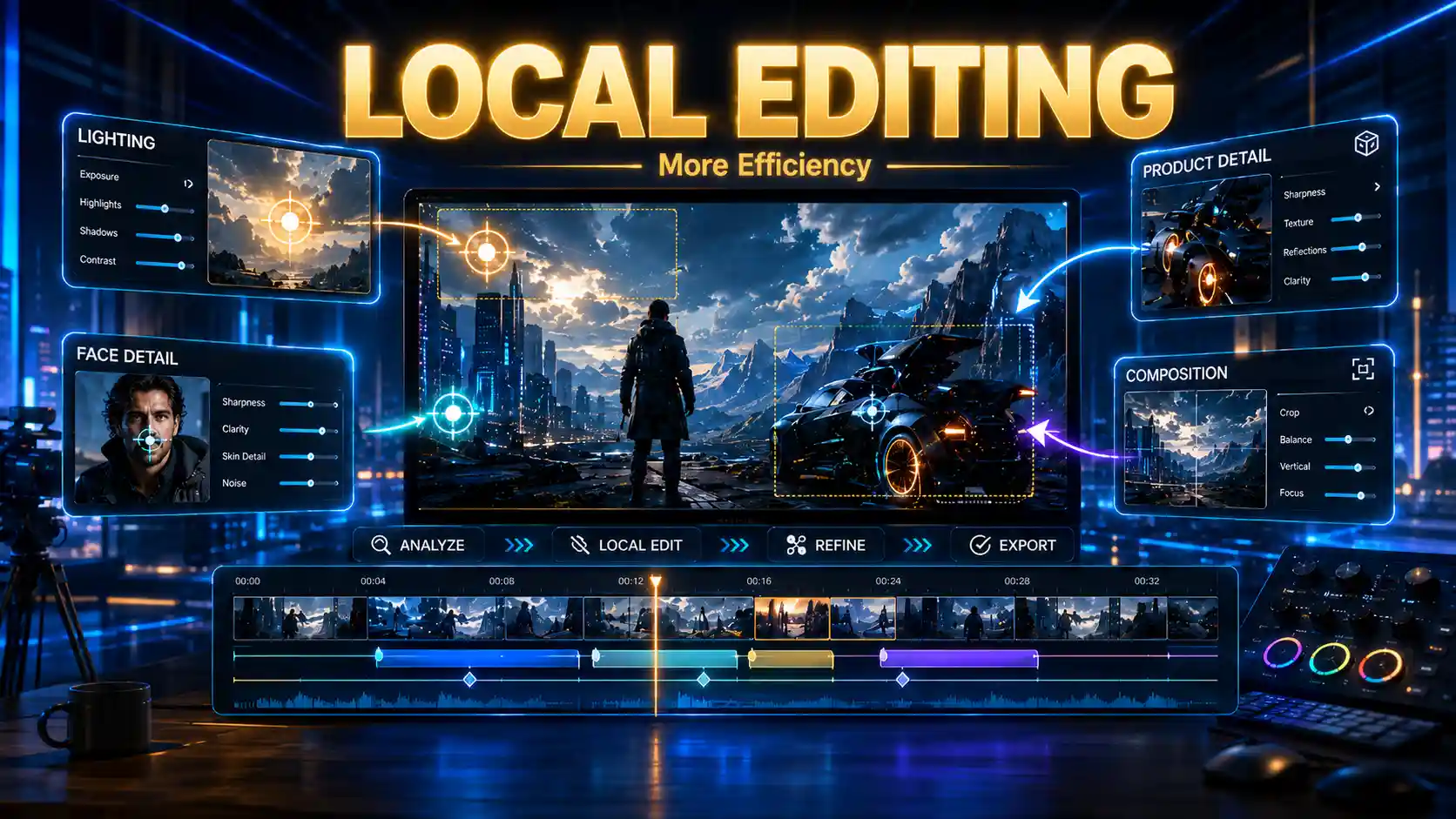
Fixing one detail should not destroy the whole scene.
In many AI video workflows, the biggest cost is not the first generation. The real cost comes from repeated regeneration.
A clip may look almost perfect, but one detail is wrong. Without local editing, creators often have to regenerate the entire video. That creates several problems:
The fixed detail may improve, but the rest of the clip may get worse.
Character consistency may change.
Product details may drift.
Lighting and composition may become different.
The creator spends more credits, time, and attention.
This is why Seedance 2.5 local editing could become important for real production. And this also connects directly to Seedance 2.5 cost. A workflow with better editing can reduce failed generations and lower rework.
🎨 For a solo creator, that means less wasted time.
💲 For an ecommerce brand, it means more versions can be tested.
💻 For an agency, it means AI video can move closer to a real production pipeline.
How to Think Like an AI Director?
The tool generates the video, but the creator designs the result.
As Seedance models become smarter and stronger, the hardest part may no longer be writing the longest prompt. The harder and more valuable skill will be creative direction.
Here are the core habits of an AI director mindset.
Start with the Viewer
Do not begin with the model. Begin with the audience.
💡 Ask:
Who is this video for?
What should they feel?
What should they remember?
What action should they take?
This is especially important for AI video ads, social media videos, and brand storytelling.
Define One Main Purpose
Every video needs a clear job.
💡 The purpose may be:
Show a product benefit.
Introduce a character.
Build cinematic atmosphere.
Create a viral visual hook.
Explain a concept.
Sell a lifestyle.
Tease a story.
If the purpose is unclear, the video may look good but feel empty.
Control the Scene Before the Style
Many creators start by adding style words: cinematic, realistic, 4K, dramatic, film look, ultra-detailed. These words can help, but they are not enough.
💡 A director first defines:
Subject
Action
Space
Camera
Rhythm
Emotion
Ending
Style comes after structure.
Use References as Production Assets
Do not think of references as decoration. Think of them as production assets.
💡 A strong Seedance 2.5 reference workflow may include
character sheets
product shots
style boards
motion examples
audio mood
This can make the model easier to guide and reduce pressure on prompt writing.
Plan for Editing
A director does not expect every shot to be perfect immediately. A director plans for revision.
💡 Before generating, identify which details matter most:
Face
Product shape
Brand color
Camera motion
Final frame
Emotional expression
Text or logo placement
This makes the editing process more focused and helps control costs.
From AI Video Generation to AI Direction
For creators, the real opportunity is learning how to move beyond single-clip generation.
💡 A strong Seedance 2.5 workflow should include
scene planning
reference organization
camera direction
motion design
editing strategy
audience intent
The future of AI video will not belong only to people who can write longer prompts.
It will belong to creators who understand how to direct AI toward a clear result.
Practice Seedance 2.0 now, build your AI director mindset, and get ready for the next stage of Seedance 2.5 video creation.